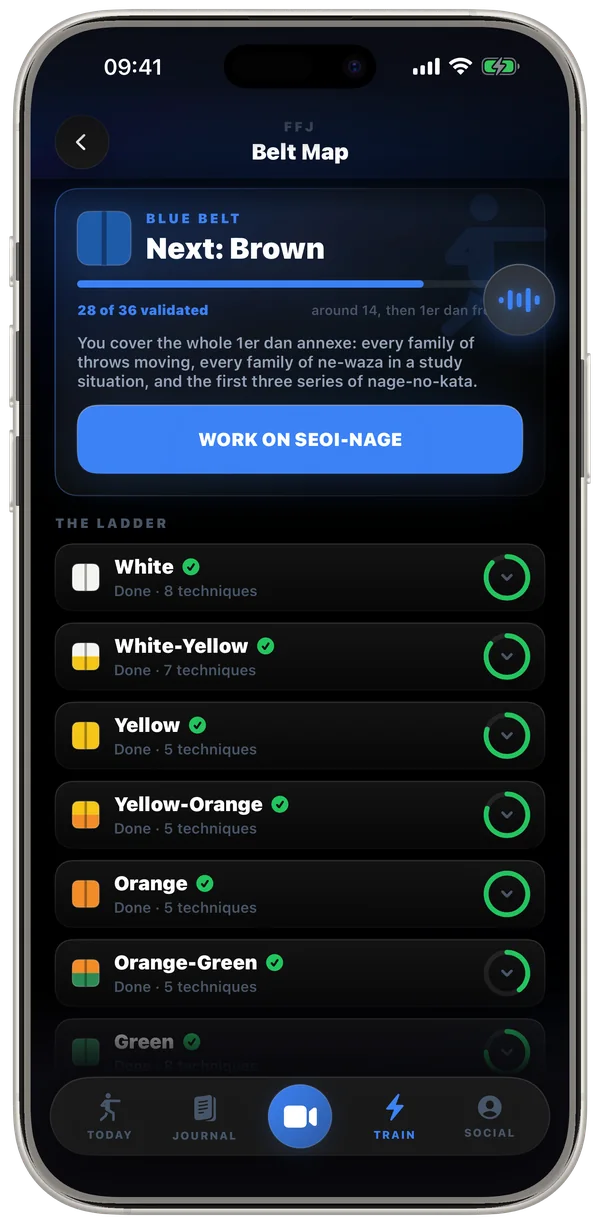
Open your belt map.
See what your next grade asks for and how many techniques you have validated. Work on the one still missing.
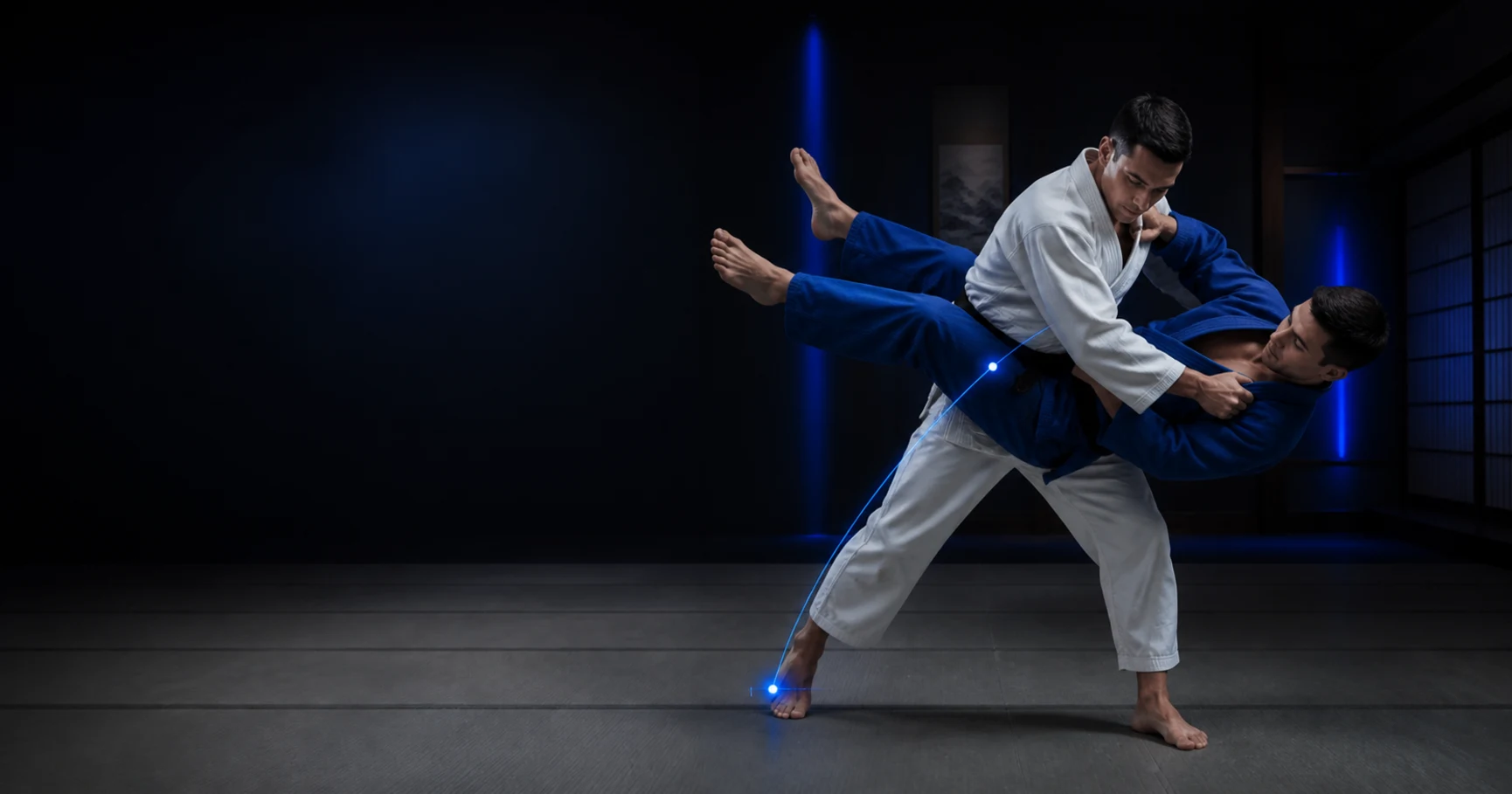
Train on camera. AI checks your grips, kuzushi and entries, then builds your next session around the fix that matters most.

Your cards
Every technique you film lands on the ladder by its score. Open a new belt and you win its card: score 65 for green belt, 86 for black belt and 98 for red belt.
Drag across the card to catch the light. Tap it to turn it over.
New in Judo AI
See what your next grade asks for and how many techniques you have validated. Work on the one still missing.
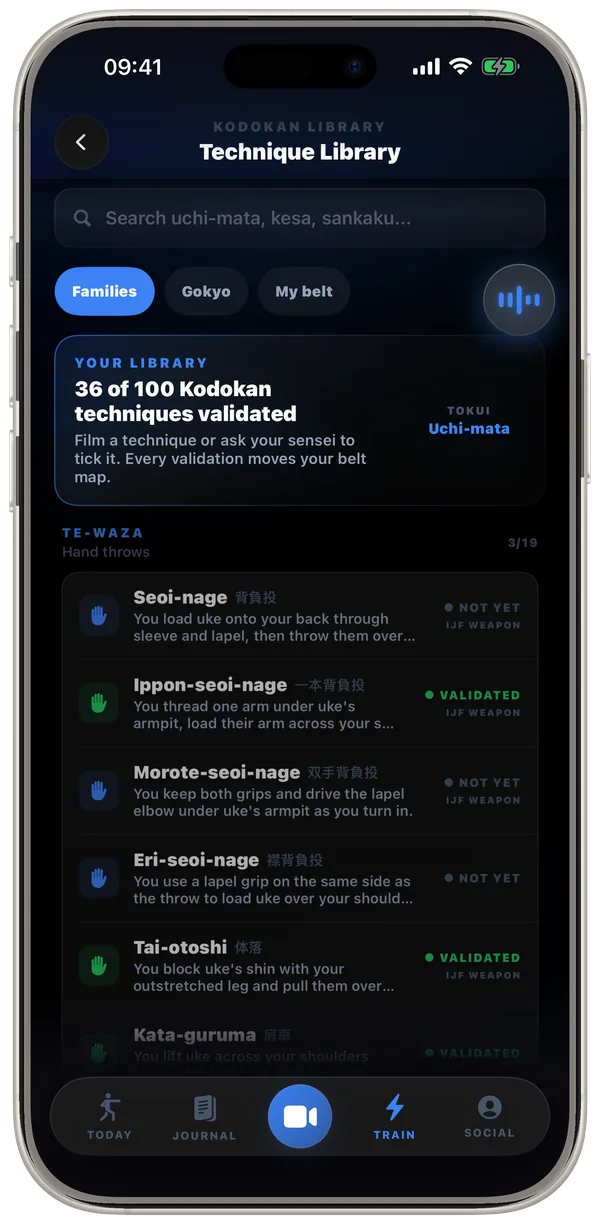
Search a throw, browse its family, then film it or ask your sensei to tick it off.
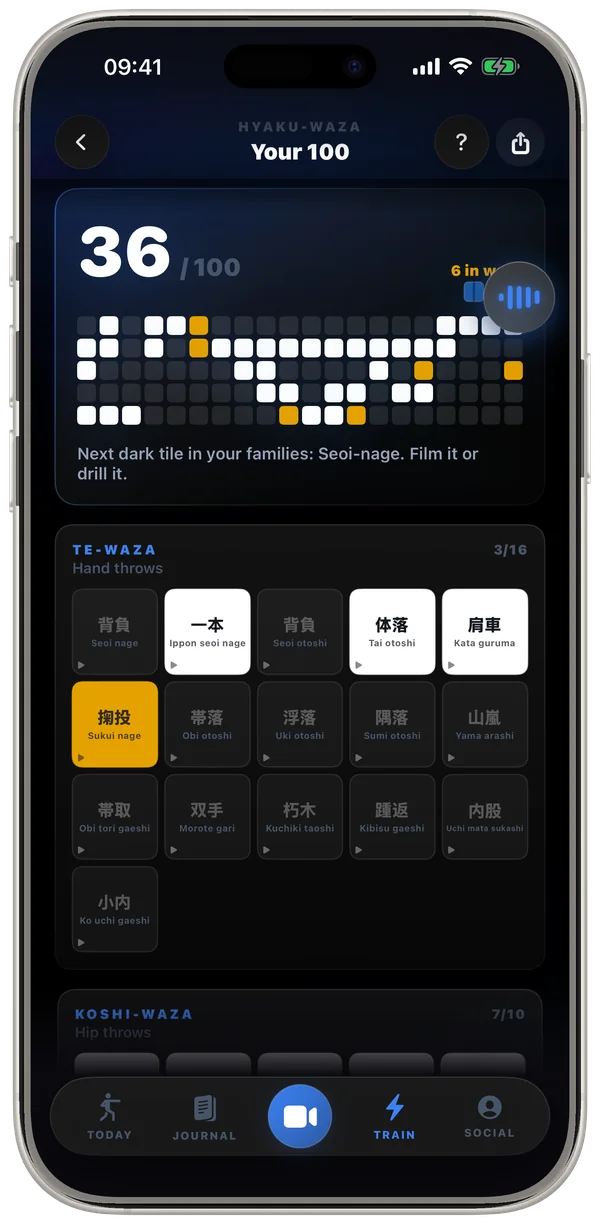
Every technique you validate lights a tile. The next dark tile tells you what to film.
AI coach
Tell Sensei Yuki what breaks down when you get tired. Sensei Yuki checks your next tournament and your recent sessions, then writes tonight's drills. Tap Start on a drill to run it.
From the same chat, start a timer, prepare a workout, activate a program or check a drafted session, meal or weigh-in. You approve every change before it saves, and you can undo it.
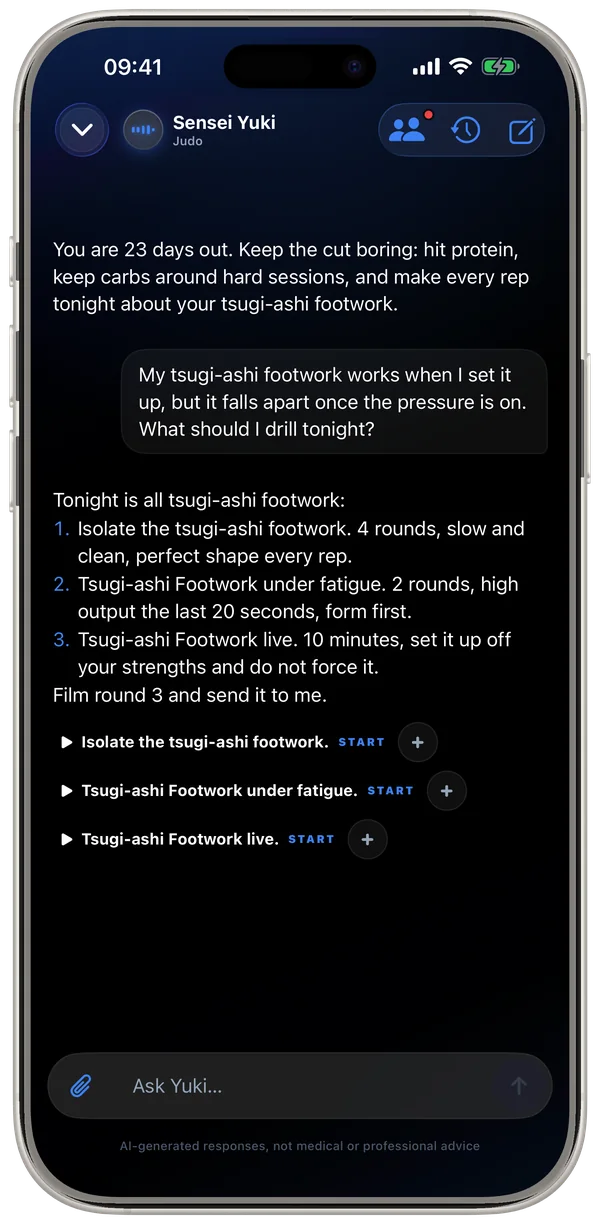
Sensei Yuki compares your recent video scores, the frame-by-frame notes, the drills you finished and your training load.
Sensei Yuki checks your readiness, your program, your recent sessions, your next tournament and your unfinished drills, then prepares today's workout.
Sensei Yuki compares your calories and macros on training days and rest days with your weight trend and your target.
Tournament countdown
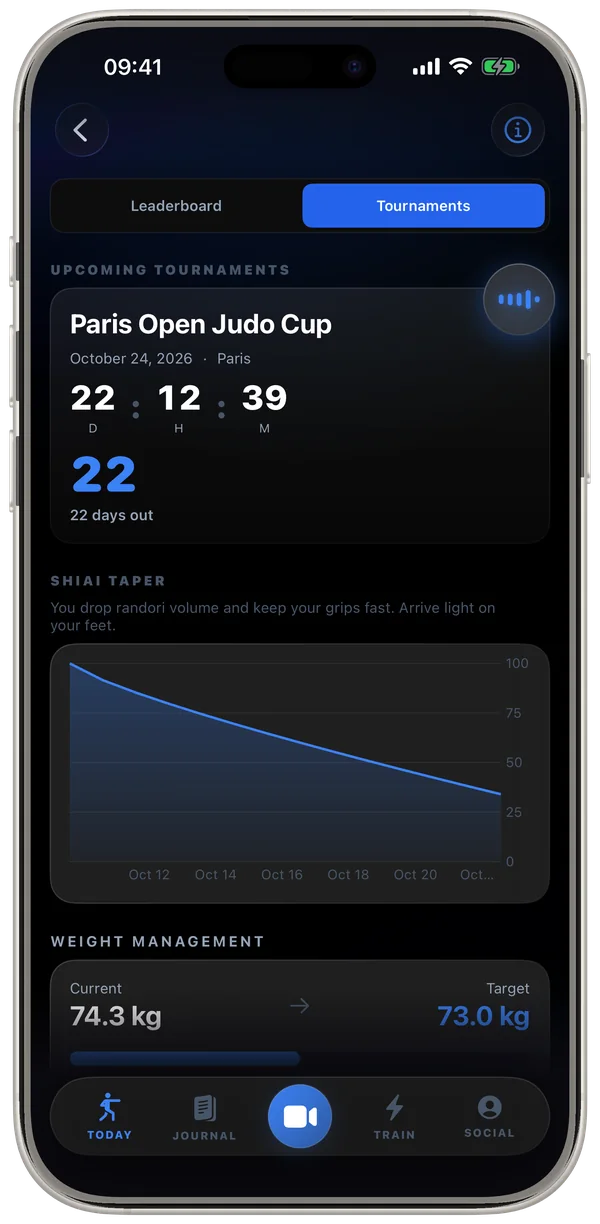
Add your tournament and its date. Follow the countdown, your plan for each week and your weight on one screen.
Check the rules, record your result and look back on your previous tournaments whenever you plan the next one.
Make weight
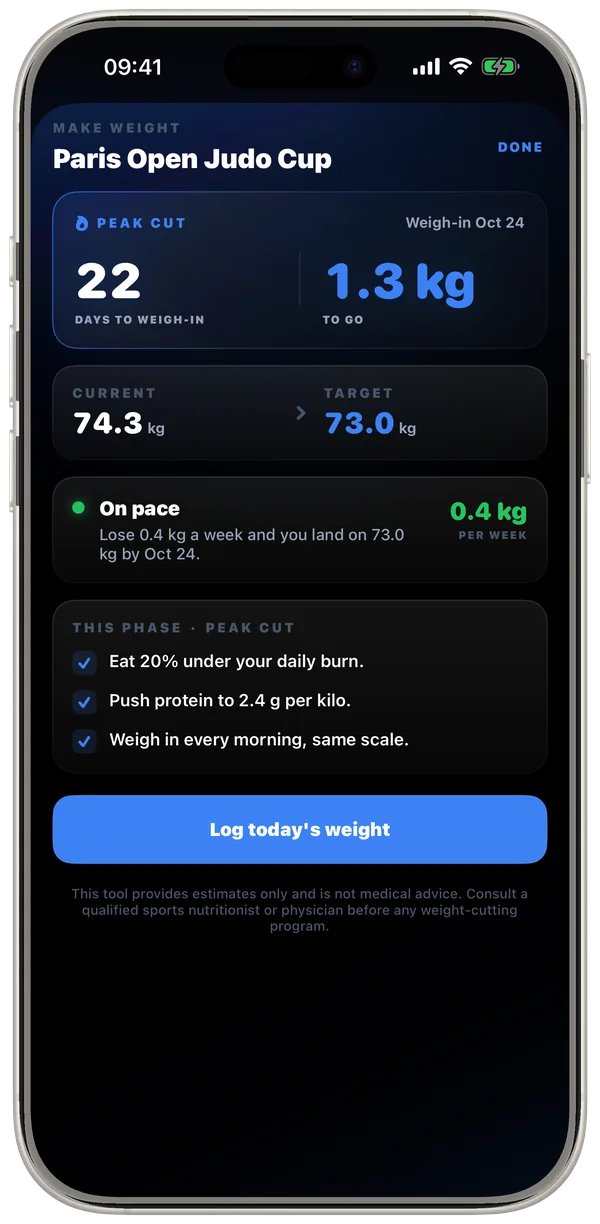
Set your target and your weigh-in date. Follow your weekly pace, eat for the phase you're in and log your weight every morning.
Talk to a doctor or a sports dietitian before you cut weight.
Food
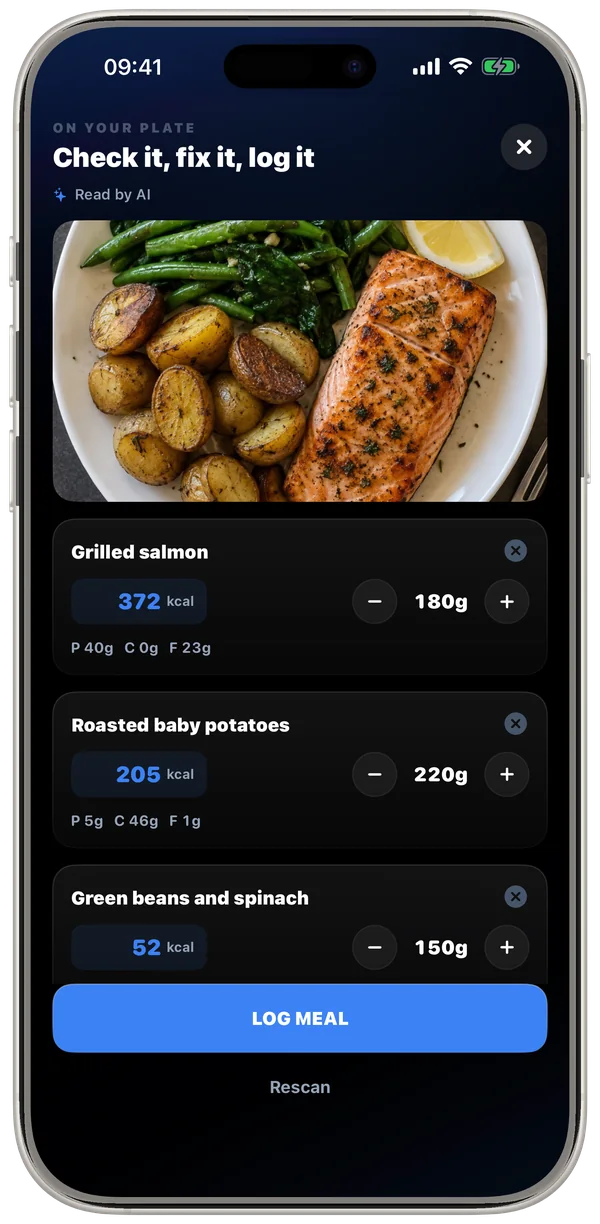
Take a photo of your meal. Check each food and its grams, fix anything the AI misread, then save the calories and macros. Scan a barcode or search when that's faster.
Ask for a meal plan built from your body, your schedule, your goal, your target weight, your allergies and how much you like to cook.
Training
Pick your goal, your level, your training days, the length of each session, your equipment and your focus. Check every week and every session before you start the plan.
Follow spoken grip, entry, throw, defense, transition, and direction cues. Set the rounds or sets, the timing, the difficulty and the sounds.
Start a prescribed drill, a prepared workout, a quick drill, a timer, a circuit or your own routine. Track rounds or sets, reps, load, rest and personal bests.
Film the technique again and compare your new score with your sessions, readiness, pain, weight and food over the same weeks.
Logging
Voice
Say your throws, rounds, drills, duration, effort, energy, pain, and notes. Check the session the AI drafts from your words, then save it.
Video
Record or import a clip. AI writes frame-by-frame notes on your kuzushi, entries, throws, grip fighting, transitions, and groundwork.
Quick entry
Log your readiness, energy, pain and weight in a few taps.
Reports
Compare your technique scores, training volume, intensity, readiness, energy, pain, food and weight across weekly, monthly and yearly reports.
Check whether your score rose after the drills. Spot the week your energy dropped as your volume climbed. Compare what you eat on training days and on rest days. Find the body area you keep flagging, and see whether you're on pace for your target weight and your next tournament.
Clubs and friends
Create or join a club, see who trained today and climb the club, friend and global leaderboards.
React to their training, send a nudge when they go quiet and compare your progress head to head.
Judo AI: Dojo Partner
Training guides
Technique
Sweep the stepping foot just before it takes weight. Learn de-ashi-barai timing, kuzushi, drills, IJF scores and how it differs from okuri and sasae.
Read the guide →Technique
Learn the 10 Kodokan judo armlocks with names and cues, juji-gatame step by step, what the IJF rules allow, the age limits, and how to train them safely.
Read the guide →Training guide
Plan on 2 to 5 years. See the minimum time and age for 1st dan at the Kodokan, the IJF, British Judo, Judo Canada, the USJA and USA Judo, grade by grade.
Read the guide →Training updates
Get one email when we publish a new throw or groundwork drill, video-review guide, training tool, or Judo AI update.